

Google Photos Export: IMGLoader vs Google Takeout
Compare Google Takeout with IMGLoader for Google Photos exports, speed, selection control, and output format.
Tested against the current IMGLoader workflow and provider UI available as of April 18, 2026. Where platform rules or API limits affect results, this guide calls them out explicitly.
Google Takeout is the default answer when people want a backup from Google Photos, but it is built around delayed, library-wide export jobs. That makes it useful for a full account archive, not for the more common case where you want selected photos right now in a clean ZIP.
This comparison focuses on the practical differences: how long you wait, how much control you have over selection, what the output looks like, and when Takeout is still the right tool.
What Google Takeout is good at
Takeout is the right option when your goal is a broad archival snapshot of your Google account. You select the Google service, choose archive file type, frequency, and destination, then wait for Google to prepare the export and send access to the resulting archive.
That strength is also its main tradeoff: Takeout is optimized for complete data export, not for fast, selective retrieval of a particular set of photos you want to work with today.
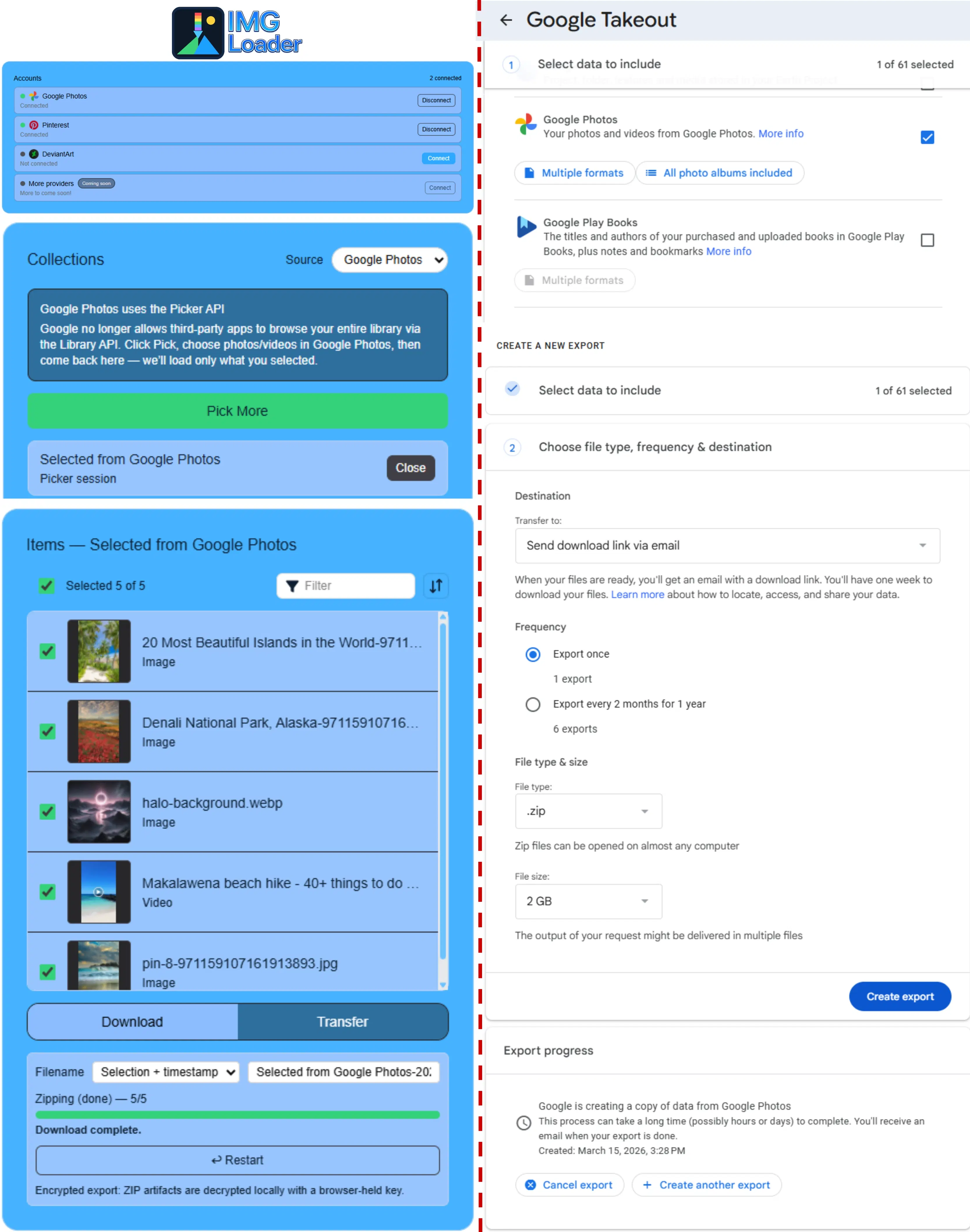
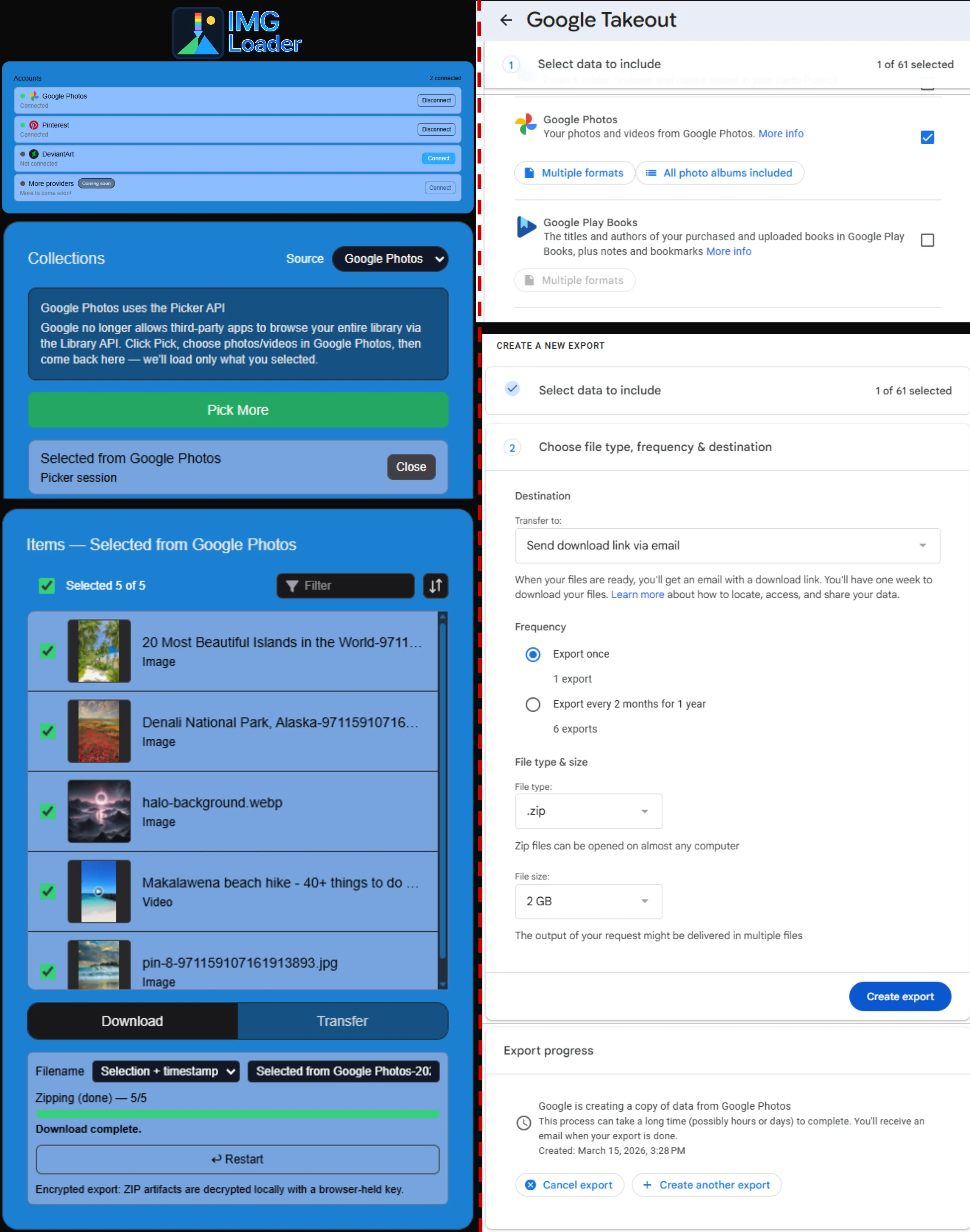
What IMGLoader changes in the workflow
Instead of requesting a full archive, IMGLoader uses Google Photos Picker so you explicitly choose the media you want. After that selection step, IMGLoader packages those files into a ZIP right away or runs the export through its background job flow for larger jobs.
This is especially useful when you want one album, one project, or one migration batch instead of every photo in the account.
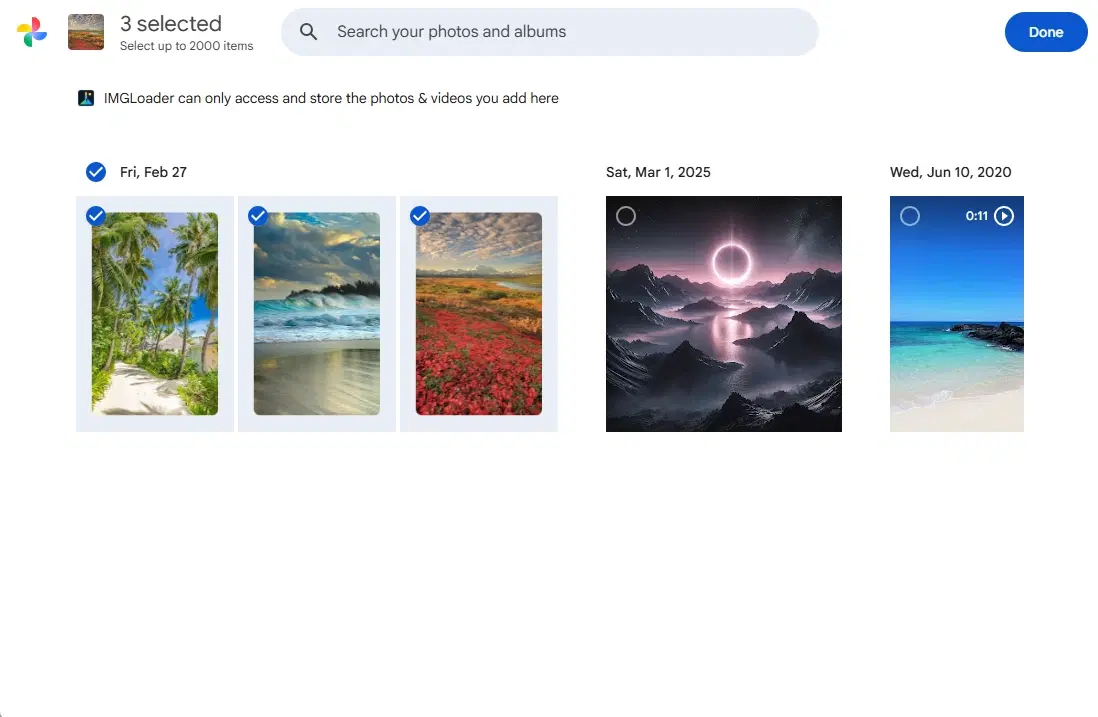
Side-by-side tradeoffs
| Question | IMGLoader | Google Takeout |
|---|---|---|
| How fast is it? | Selection plus export in the current session | Often hours, sometimes longer for large archives |
| Can I choose individual items? | Yes, through Google Photos Picker | Not with the same precision once the archive is requested |
| What does the output feel like? | A focused ZIP for the selected batch | One or more account archive files prepared by Google |
| Best use case | Working export, migration batch, or clean project ZIP | Broad account archive and long-term data retention |
Where Takeout usually frustrates people
- The archive is delayed instead of being something you can finish during the current session.
- Large exports arrive split across multiple files that you have to download and extract separately.
- File-system dates after download or extraction can differ from the original media capture dates.
- It is not a transfer workflow. You still have to re-upload manually if the next step is another service.
Use both when the jobs are different
These tools are not interchangeable in every situation. Use Takeout when you want a broad archival export of the whole library. Use IMGLoader when the job is targeted, time-sensitive, or part of a transfer and you want a ZIP built around an intentional selection.