

Common Transfer Failures and How to Fix Them
Troubleshoot failed transfers between Pinterest, Google Photos, and DeviantArt with practical checks and recovery steps.
Tested against the current IMGLoader workflow and provider UI available as of March 29, 2026. Where platform rules or API limits affect results, this guide calls them out explicitly.
A transfer batch can fail for many reasons, but the right first move is almost never "start over and hope." IMGLoader is designed to keep the job moving when individual items fail and to surface per-file failure samples plus a detailed result table so you can fix the actual cause.
This guide focuses on the failures that matter most in real use: destination rules, missing or stale account connections, provider-side restrictions, and selection problems that only show up once the transfer starts.
Start with the failure samples, not the assumption
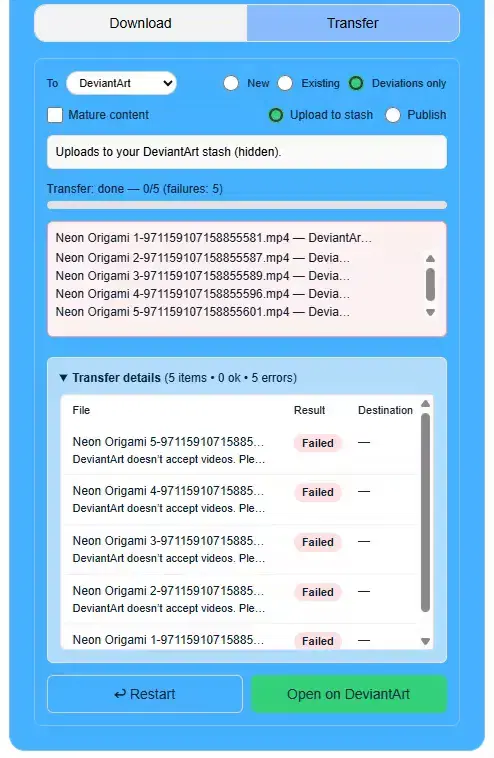
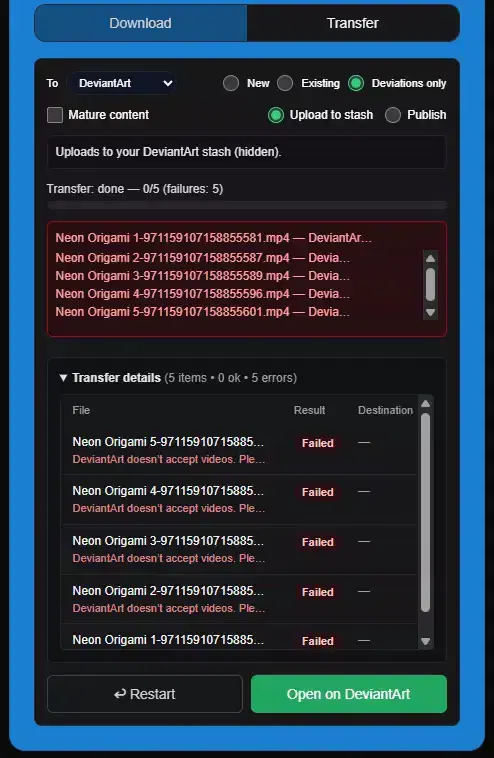
When a transfer job shows failures, read the specific reason before you retry. IMGLoader records failure samples with the filename and the error text, which is much more useful than treating every failed transfer as a generic outage.
Some failures are item-specific and can be ignored after review. Others tell you the whole destination setup is wrong and the next retry would fail in the same way.
Use the completed result table to isolate the pattern
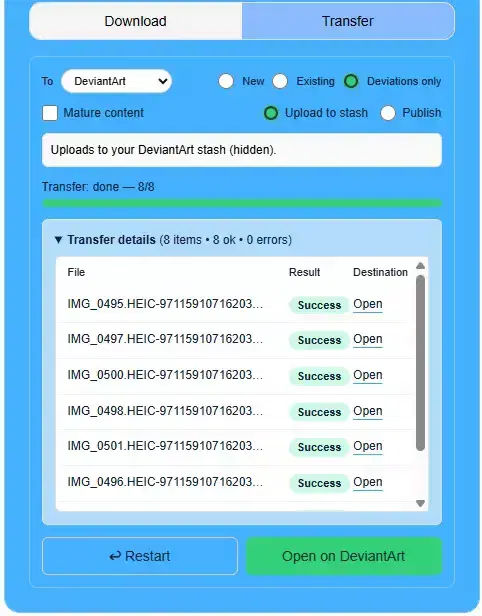
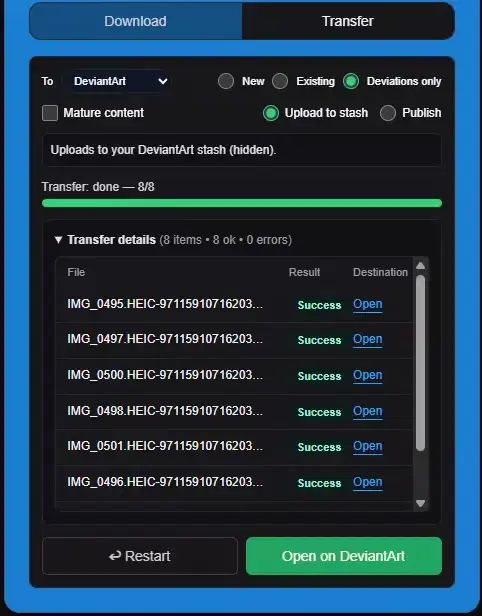
Once the job is done, open the transfer details view. That table lets you compare successful items against failed ones and quickly answer the key question: is this a broad destination problem, or just a subset of items with one shared limitation?
That distinction is what tells you whether to reconnect, change the destination mode, or only retry a smaller filtered set.
Frequent causes and the right fix
- Wrong destination account or stale connection: reconnect the destination provider and confirm you are signed into the intended account before retrying.
- Google Photos "Use existing" issues: choose an album created through IMGLoader, or switch to Create new if the previous album was deleted or belongs to another Google account.
- Pinterest secret-board video items: make the source board non-secret temporarily so the video URL is available, then rerun only the affected items.
- Provider-side unsupported items or destination rules: remove the failing subset and transfer the rest first.
- Transient backend or network problems: wait a moment and retry the failed subset instead of the whole batch.
Best retry strategy
Retry the smallest meaningful batch after you correct the cause. If five items failed because they were all videos from one secret board, rerun those five after changing the board privacy setting. Do not rerun 500 successful items just to get back to the same failing edge case.